Skip to content
View in the app

A better way to browse. Learn more.

StereoNET

A full-screen app on your home screen with push notifications, badges and more.

To install this app on iOS and iPadOS
  1. Tap the Share icon in Safari
  2. Scroll the menu and tap Add to Home Screen.
  3. Tap Add in the top-right corner.
To install this app on Android
  1. Tap the 3-dot menu (⋮) in the top-right corner of the browser.
  2. Tap Add to Home screen or Install app.
  3. Confirm by tapping Install.

ghcat

Member
  • Joined

  • Last visited

  1. Thank you for your knowledge it is greatly appreciated I will sell it asap
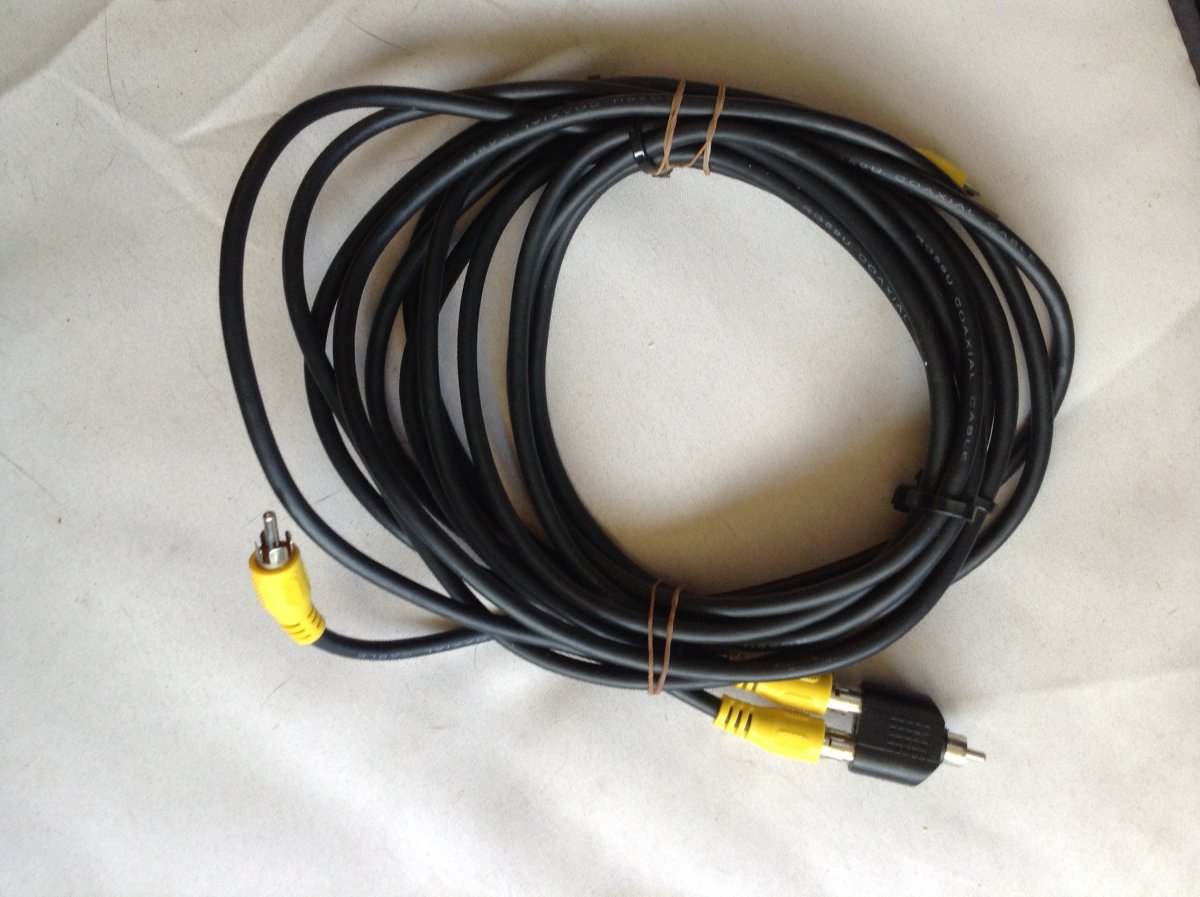
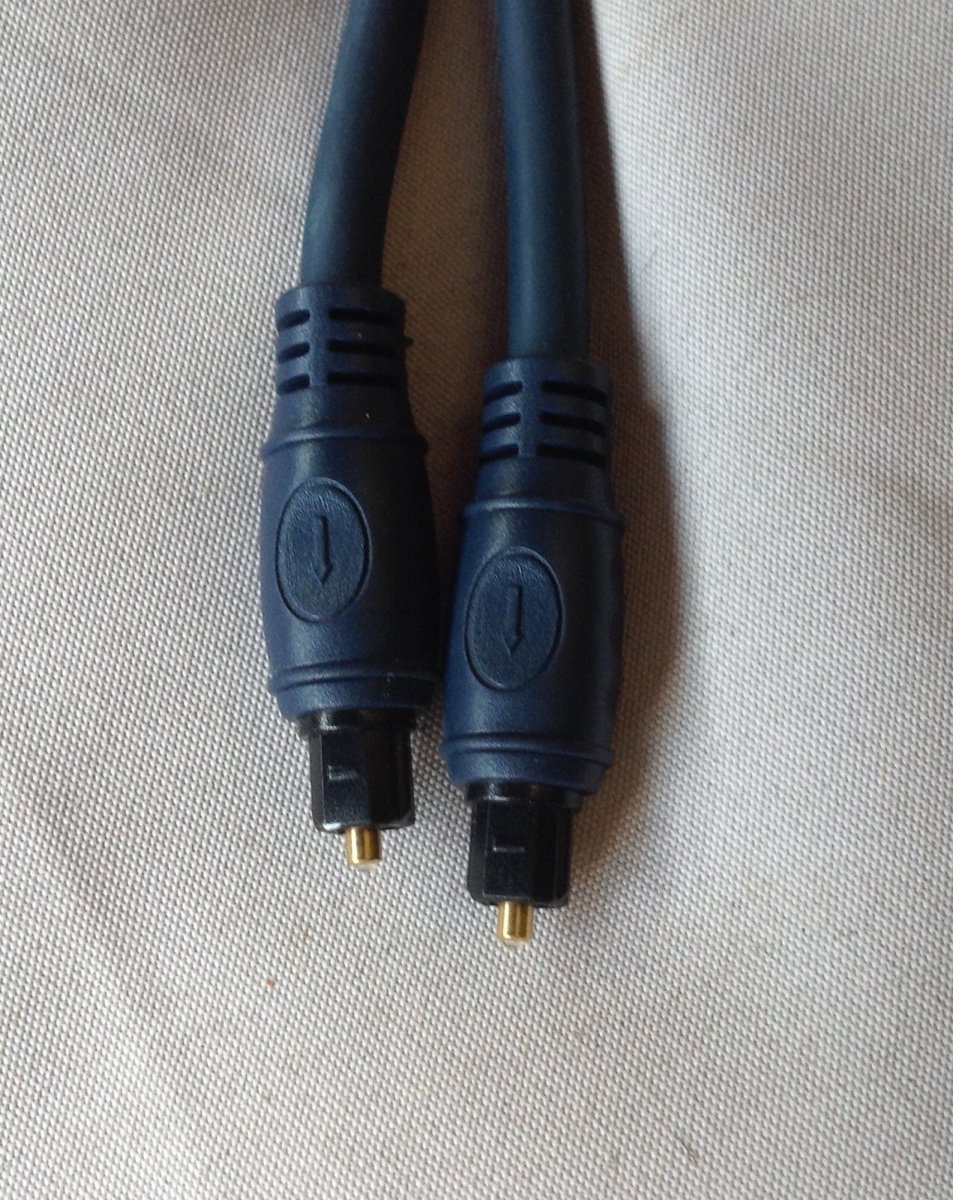
  2. I have found the pioneer receiver dumped in my daughters garage and she doesn't want it. Before I try and sell it I have a few cables that I'm unsure if they belong with these items can anyone help? When I offer it for sale do I provide all these. I found the power cord and hdmi cables but that's as far as my knowledge goes.

Account

Navigation

Search

Search

Configure browser push notifications

Chrome (Android)
  1. Tap the lock icon next to the address bar.
  2. Tap Permissions → Notifications.
  3. Adjust your preference.
Chrome (Desktop)
  1. Click the padlock icon in the address bar.
  2. Select Site settings.
  3. Find Notifications and adjust your preference.