Skip to content
View in the app

A better way to browse. Learn more.

StereoNET

A full-screen app on your home screen with push notifications, badges and more.

To install this app on iOS and iPadOS
  1. Tap the Share icon in Safari
  2. Scroll the menu and tap Add to Home Screen.
  3. Tap Add in the top-right corner.
To install this app on Android
  1. Tap the 3-dot menu (⋮) in the top-right corner of the browser.
  2. Tap Add to Home screen or Install app.
  3. Confirm by tapping Install.

Why can't I include only Box photos in my Classifieds Ad?

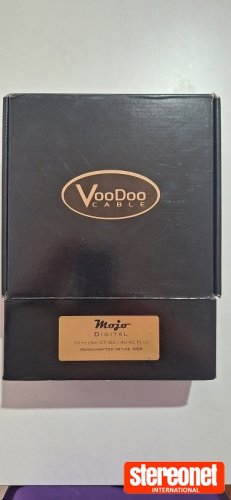
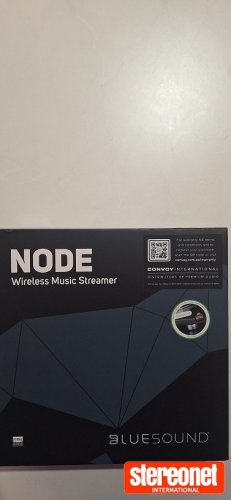
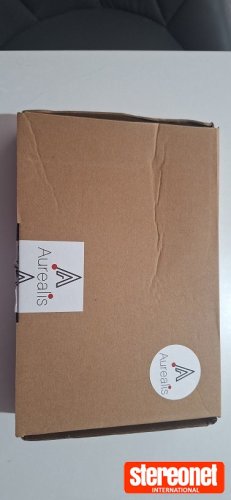
Box photos are easy to obtain on the internet. Plus, we had incidents in the past where scammers misrepresented a product being advertised (and sold) and literally sold them only an empty box! So the rule was imposed that box photos alone are not acceptable for Classifieds Ads. Discretion may be applied by Volunteers where the seller is known to StereoNET and they have positive Trader Feedback.


What Can I Do?


With that said, we understand that someone might want to sell a brand new/unopened item, and for resale value may not want to open the box to take photos.


The workaround for this it to simply take photos of the boxes and include a piece of paper with your username, and the date. These are perfectly acceptable.

User Feedback

Recommended Comments

There are no comments to display.

Guest
This is now closed for further comments

Latest Ads

Account

Navigation

Search

Search

Configure browser push notifications

Chrome (Android)
  1. Tap the lock icon next to the address bar.
  2. Tap Permissions → Notifications.
  3. Adjust your preference.
Chrome (Desktop)
  1. Click the padlock icon in the address bar.
  2. Select Site settings.
  3. Find Notifications and adjust your preference.